
Cleaning a Smartphone Safely: Archive Safety Notes
This archive post discusses cleaning a smartphone during an epidemic. Cleaning a device cannot guarantee protection from viruses or prevent illness. For the current method and frequency, follow the phone maker’s instructions and current public-health guidance.
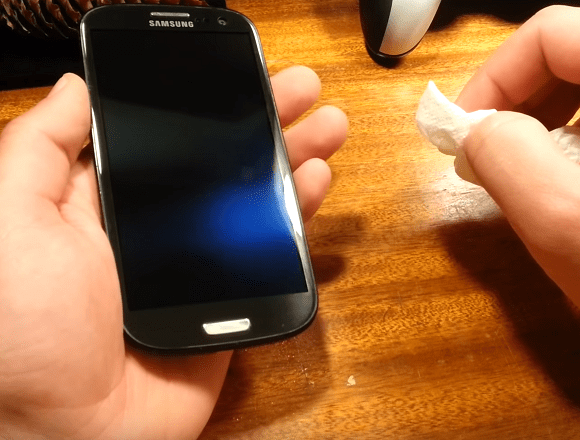
The archive makes claims about viruses on hard surfaces and recommends cleaning twice daily. Those details are time-sensitive and should not be treated as current public-health guidance. Clean only as directed by the manufacturer and any relevant public-health authority.
What to use and how to clean a mobile phone so as not to damage the screen?
Alcohol and alcohol wipes
Manufacturers may specify compatible cleaning products or wipes. Check the instructions for your exact device and do not substitute a product merely because it is described as disinfecting elsewhere.
Do not apply alcohol or any liquid unless the manufacturer explicitly permits it for your model. Use only the specified product and concentration; additives, fragrance, and unknown mixtures can damage coatings or seals.
Do not assume vodka or another household alcoholic drink is suitable for a phone. Follow the manufacturer’s product and concentration guidance instead.
Do not use hydrogen peroxide unless the manufacturer explicitly approves it for the device. It may damage glass coatings, finishes, or other materials.
Do not use chlorhexidine or other skin medicines on a phone unless the manufacturer explicitly approves that product. A product suitable for skin is not automatically suitable for electronics.
What CANNOT be used to disinfect a smartphone
- Vinegar.
- Glass and other surface cleaners (liquids and sprays).
- Alkaline products.
- Chlorine solution.
How to properly disinfect a mobile phone
If the manufacturer permits a compatible cleaner, power the phone off and unplug it first. Apply the product to a lint-free cloth, never directly to the device; use only enough moisture to avoid drips, ports, openings, or charging contacts. Keep cleaners away from skin and eyes, do not mix chemicals, keep them away from heat or flame, and let the phone dry completely before powering or charging it.
- Turn off the device.
- Remove the case if you use one and wipe the screen, then turn the wipe over to the reverse side and go over the edges and the back of the body. If necessary, use a new wipe, and immediately dispose of it afterwards.
- A plastic and silicone case can be washed with running water and household soap (not hot!) and dried.
- Leather cases are wiped with peroxide, since alcohol is capable of damaging the appearance of this material.
- After treatment, be sure to wash your hands or wipe them with hand sanitizer.
Use only the device maker’s instructions and current public-health guidance. Stop if a product causes visible damage or irritation, and seek appropriate help for health concerns rather than relying on device cleaning alone.


Useful information and very timely. In efforts to reduce everyday exposure to germs, it is easy to remember hands but forget a wallet, card holder, or gadget. Follow the device manufacturer’s cleaning instructions and current public-health guidance; cleaning a phone is only one practical measure and does not guarantee prevention of illness.